

Our ecosystem

Two systems. One shared workflow.

WAVS is the conversation and pipeline side. ORBI is the operations and workflow side. We map how either one, or both, fits your business and the tools you already pay for.

MOSS, the CaseCraft mascot, presenting two connected systems

WAVS

Customer journey infrastructure

Connect Engage Grow

A shared workspace for customer conversations, contacts, pipeline stages and follow-up.

Explore WAVS
  • Unified communication
  • Contact and pipeline management
  • Campaign and workflow views
  • Set up around your sales process
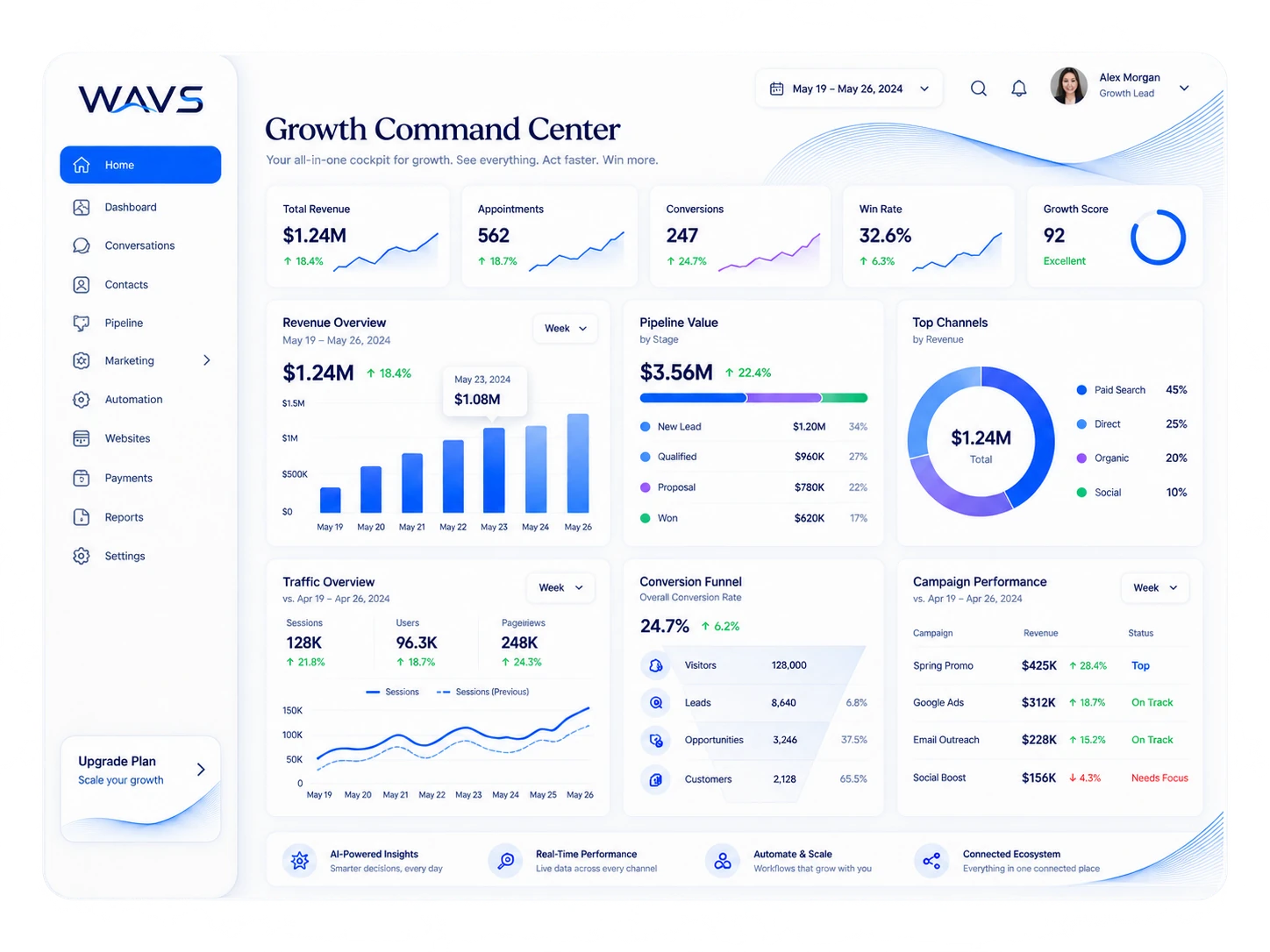
Illustrative WAVS interface reference showing communication and pipeline views
Every conversation
in one inbox.
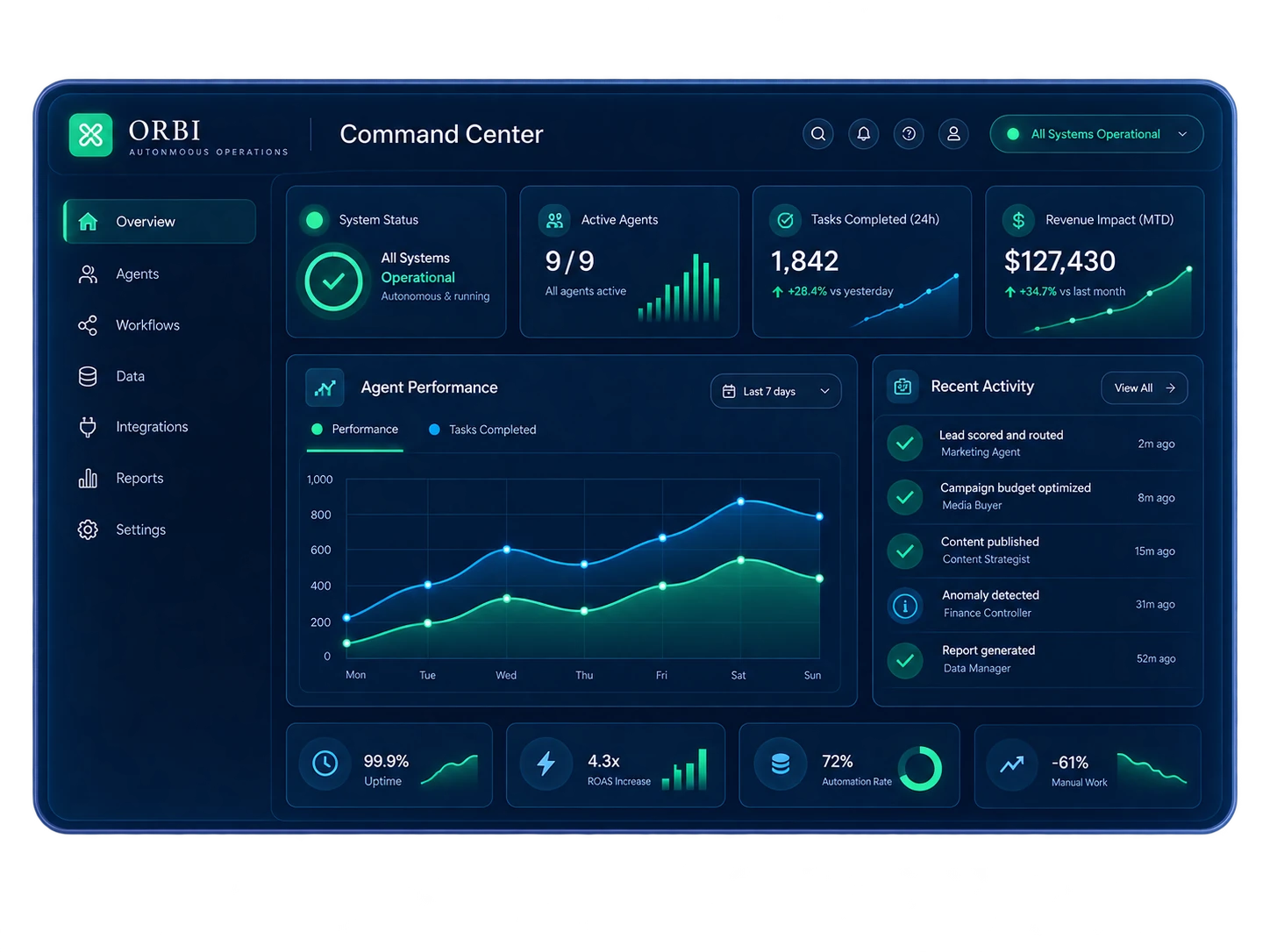
Illustrative ORBI interface reference showing status, agents, and workflow panels
See what needs
a decision.

ORBI

Operational intelligence + execution

Observe Decide Act

The operations side: live status, decisions waiting on someone, approved actions, and a review of what happened.

Explore ORBI
  • System-status view
  • Agent and workflow views
  • Operational reporting view
  • Approval points you define

How the two systems work together

One flow, from first message to growth.

Follow one customer message from the inbox to a booked result and back into the next plan. We scope each hand-off to the tools, permissions and setup your business has today.

  1. 01 A message · a form · a booking

    Signal

    A customer reaches out. The first job is to keep the inquiry visible, with its source and context.

    Customer entry
  2. 02 Conversation → contact → opportunity

    Customer system

    WAVS is where the team can see the conversation and organize the customer journey.

    Explore WAVS ↗
  3. 03 A defined, permitted next step

    Action

    A workflow or person takes the next step. CaseCraft maps the trigger, hand-off, and approval.

    Workflow · team hand-off
  4. 04 Status → question → decision

    Operational intelligence

    ORBI's role is to bring operational context and what needs attention into view.

    Explore ORBI ↗
  5. 05 A clear result to review

    Outcome

    A booking, a hand-off, or another defined result gives the team something concrete to measure.

    Business result
  6. 06 Review → learn → adjust

    Learning

    The team compares the intended route with what happened, then improves the next cycle.

    Feedback into the system

The exact connections depend on the tools and implementation agreed for your business.

Choose your path

Start with the right problem.

Pick WAVS for the customer side, ORBI for operations, or a custom build when neither fits the tools you already have.

01 / Customer journey

WAVS

Explore conversations, pipeline, follow-up, and the customer-facing workflow.

Enter WAVS
02 / Operational response

ORBI

Explore operational context, decisions, scoped actions, and the feedback loop.

Enter ORBI
03 / Your existing stack

Custom system

Map a tailored workflow or connection where a standard route does not fit your process.

Discuss a custom system

Talk to our systems team

Ready for a system that grows with you?

Start with WAVS, ORBI, or a custom system shaped around the way your business already works.

Start a conversation